

The on-premise API supports API keys for server-to-server and MCP access. Pass the key in the Authorization header:
Keys are scoped to the user account that created them and inherit that user's role (admin or member). There are no per-key scopes or expiry - revoke a key to invalidate it.
Creating an API Key#
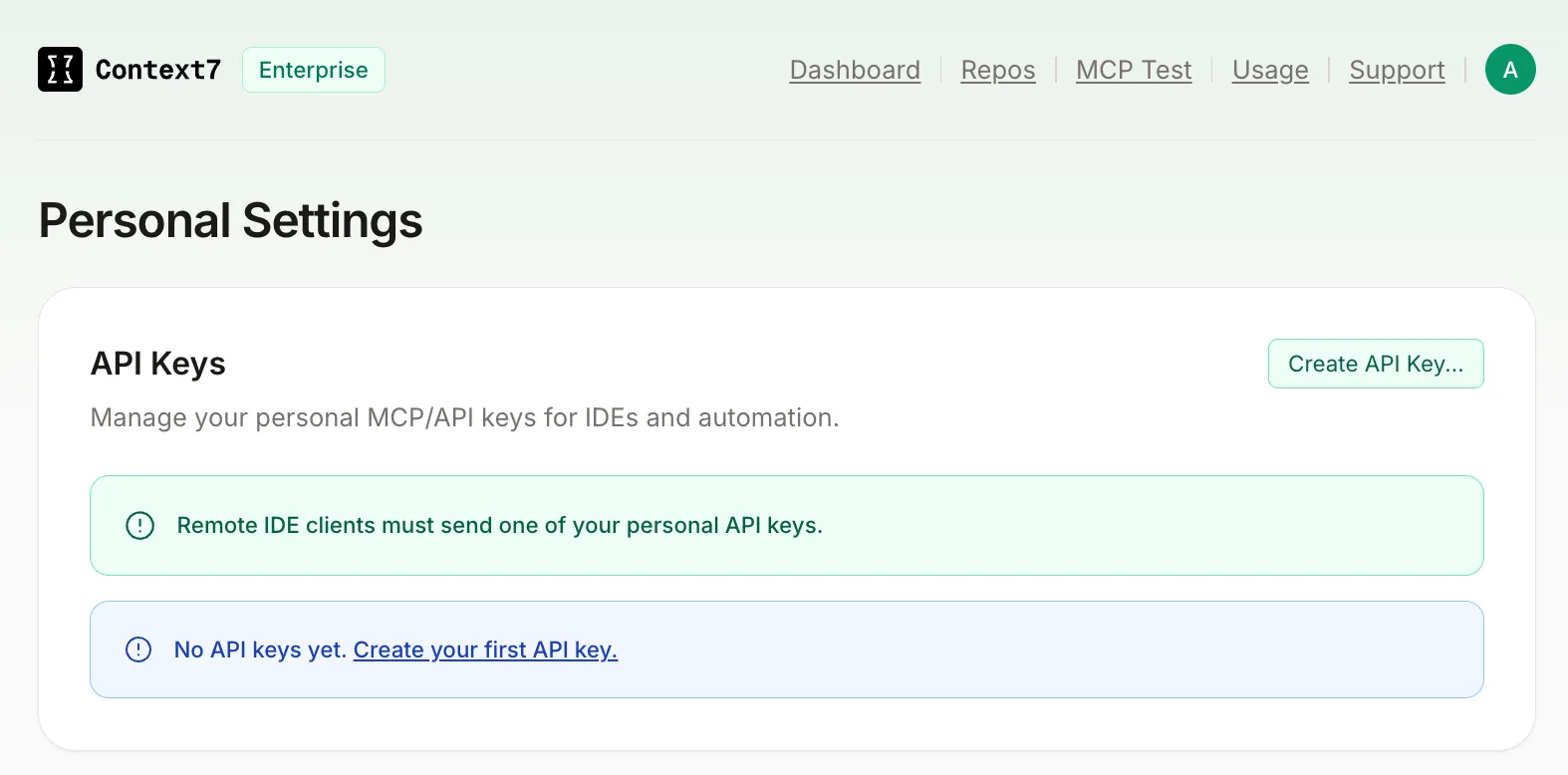
Open Settings
Go to Personal Settings > API Keys in the admin dashboard and click Create API Key.
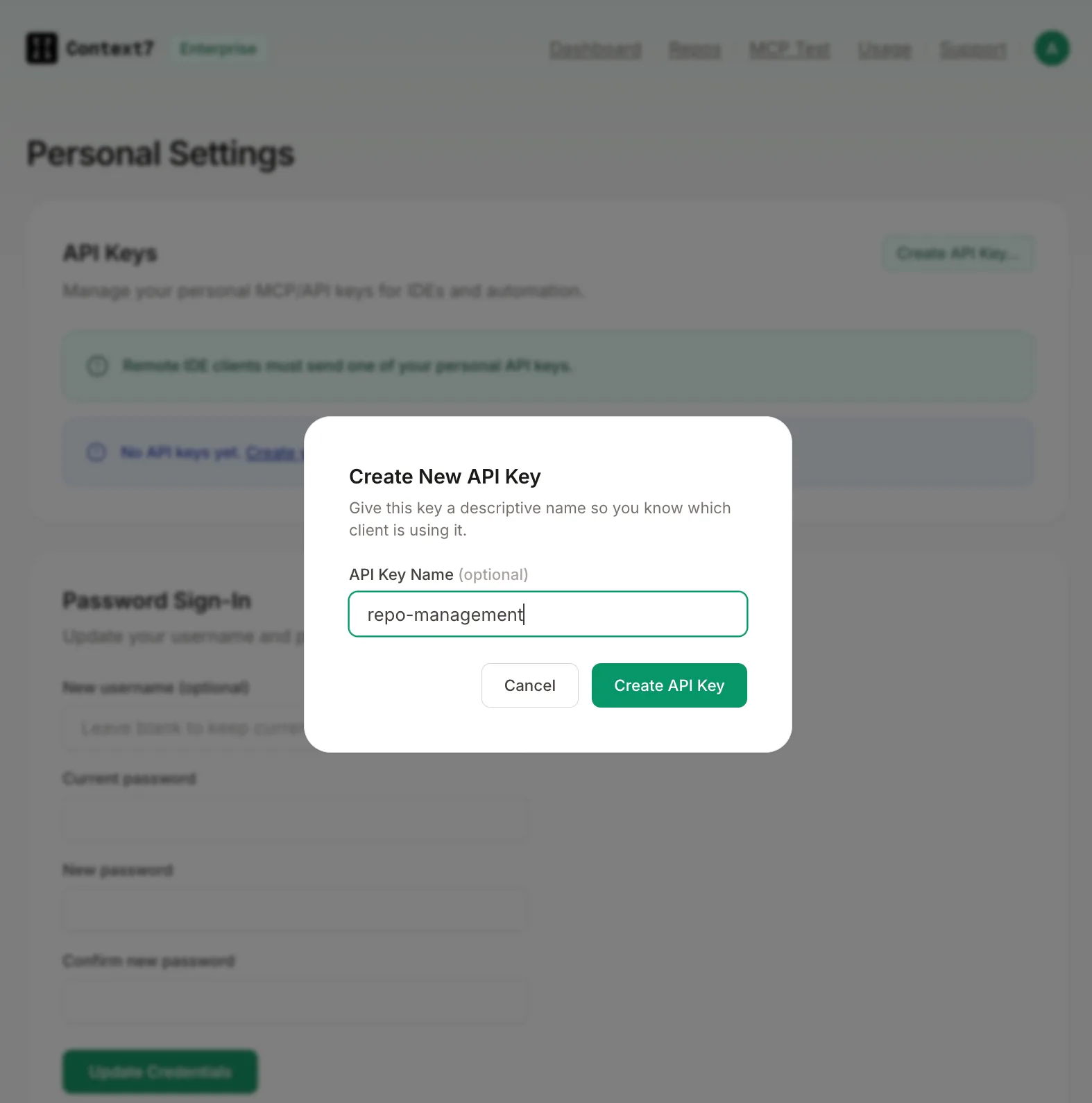
Name the key
Give the key a descriptive name so you know which client or service is using it (e.g. CI pipeline, Cursor).
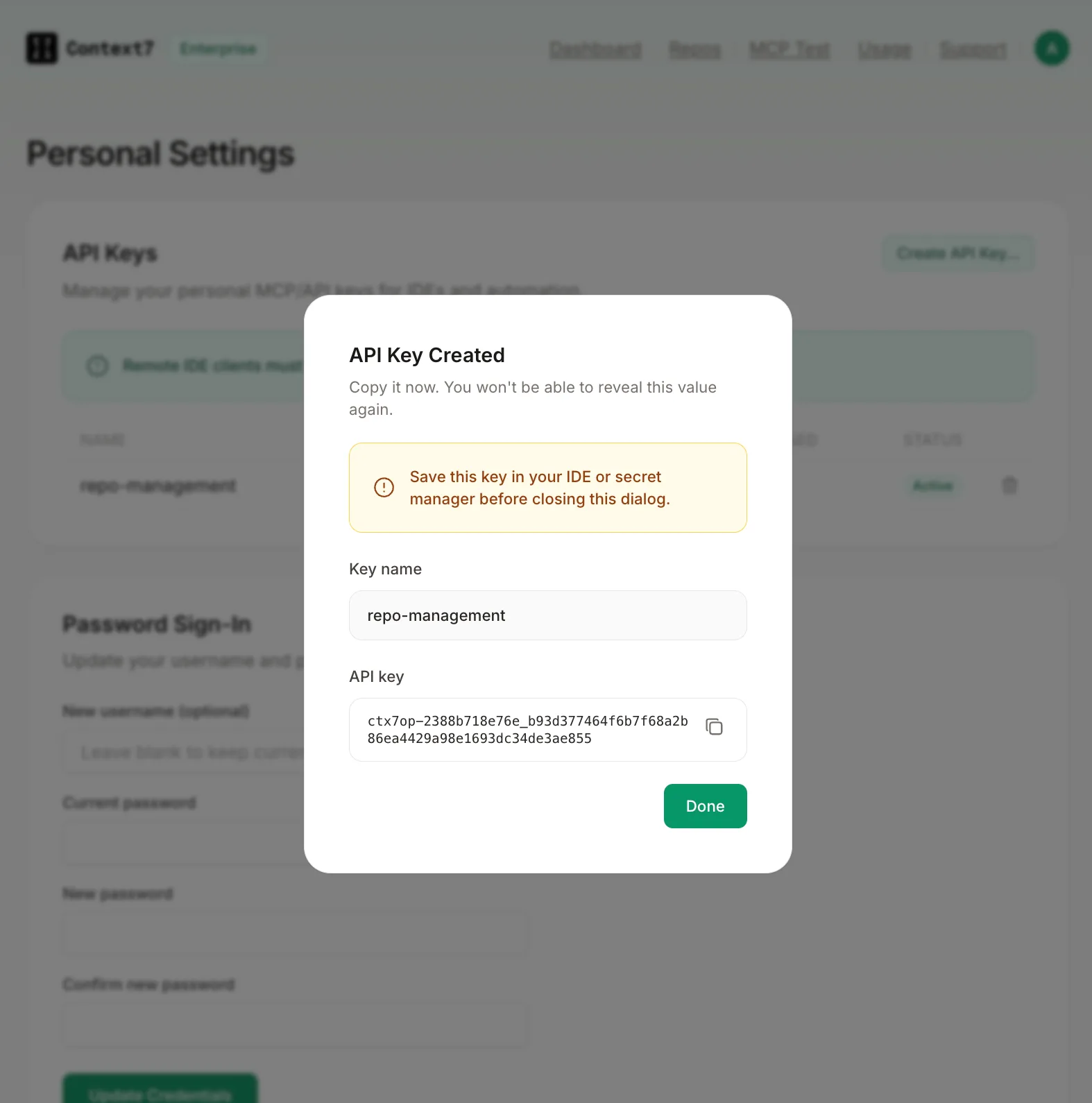
Copy the key
Copy the full key value before closing the dialog. It is only shown once.
Revoking a Key#
Go to Settings > API Keys and click the delete icon next to the key. Revocation is immediate and cannot be undone. Update any integrations using the key before revoking.
Roles#
| Role | Access |
|---|---|
admin | Full access to all endpoints including settings, user management, and delete operations |
member | Can trigger parsing and search. Cannot access admin endpoints |
Default credentials on a fresh install are admin / admin. Change them immediately from Settings > Change Credentials.
Anonymous Access#
Certain operations can be allowed without authentication. Configure them from Settings > Permissions:
| Permission | Default |
|---|---|
| Anonymous parse / refresh | Off |
| Anonymous delete | Off |
MCP authentication is configured separately in Settings > Authentication. When enabled, external requests to /mcp, /api/v2/libs/search, and /api/v2/context require a personal API key. When disabled, those endpoints allow anonymous access. The local MCP bridge can still call the v2 endpoints over loopback.
The legacy global API_KEY environment variable protects the broader HTTP API independently of personal MCP keys. New deployments should use dashboard users and personal keys for MCP clients.