

Tembo is a platform for orchestrating AI coding agents across repositories and integrations. Context7 is available as a built-in MCP integration in Tembo, giving agents access to up-to-date library documentation.
For more details on how Tembo handles MCP, see the Tembo MCP documentation.
Setup#
Navigate to Integrations
Go to the Integrations page in your Tembo dashboard. You’ll see Context7 listed under MCP Servers.
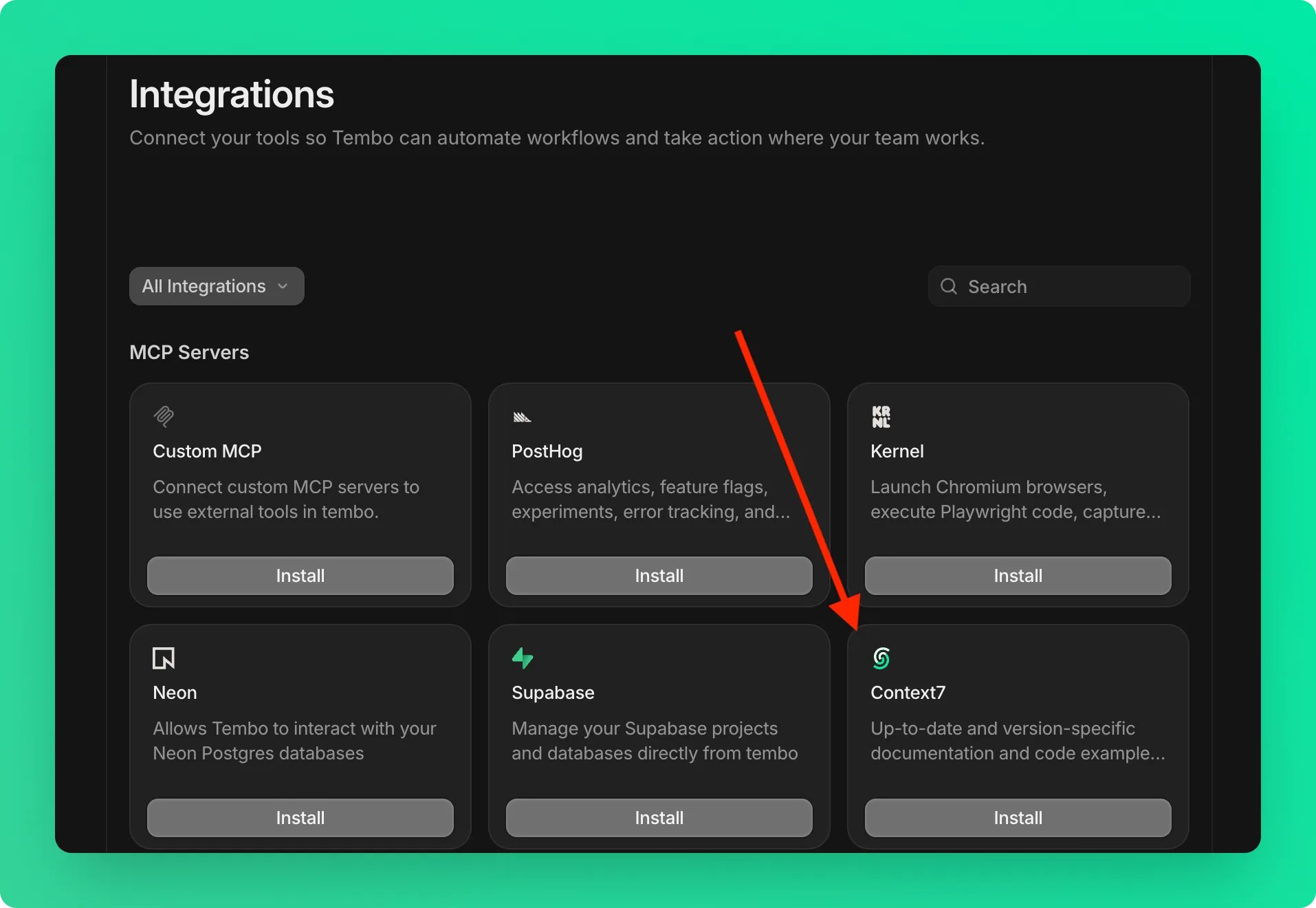
Install Context7
Click the Install button on the Context7 card.
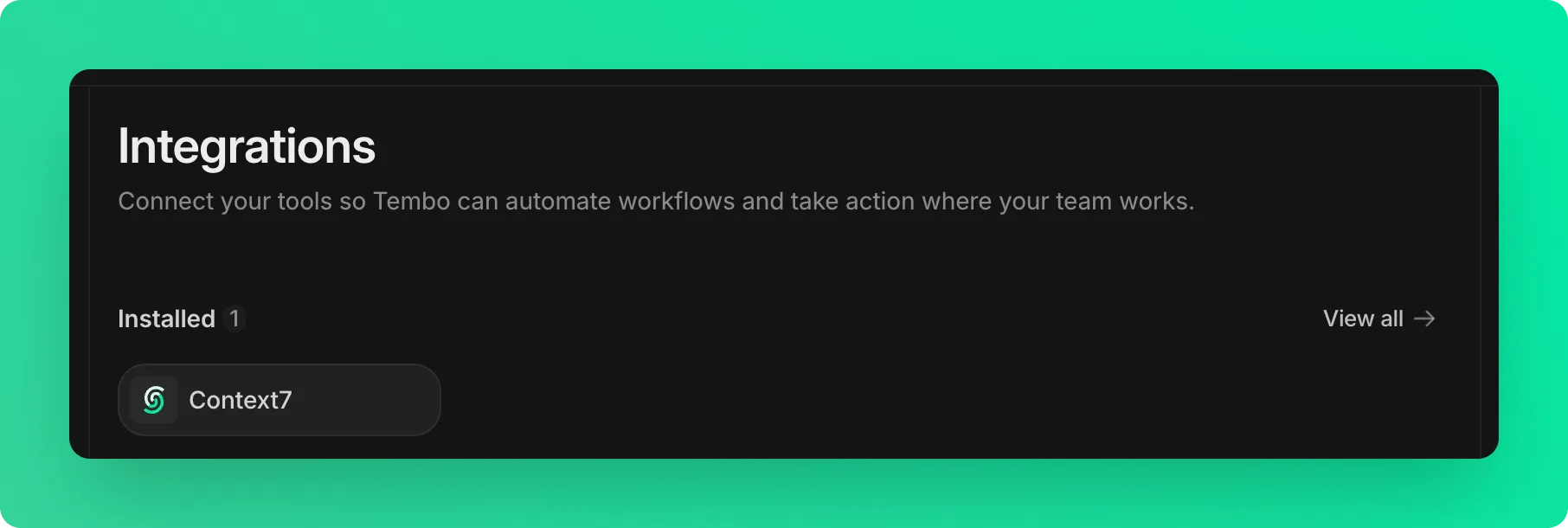
Verify Connection
After installation, Context7 will appear under your Installed integrations.
How It Works#
Once connected, Tembo agents will query Context7 for relevant library documentation during tasks. This helps agents:
- Generate correct implementations based on the latest API references
- Identify deprecated patterns during automated code reviews
- Produce PRs that follow current library best practices
- Reduce back-and-forth by getting it right the first time