

Docs7 reads the Mintlify content format. Keep your docs.json or mint.json, MDX pages, assets, snippets, redirects, and OpenAPI files.
1. Preview the project#
From the folder that contains docs.json or mint.json, run:
Open http://localhost:3000, or the address that the command prints, to see your documentation site.
2. Connect the repository#
In your Context7 teamspace:
- Open Docs7 and click Add New Site.
- Connect GitHub if needed.
- Choose the repository and production branch.
- Set Docs path to the folder that contains
docs.json. Use.when it is at the repository root. - Publish the site.
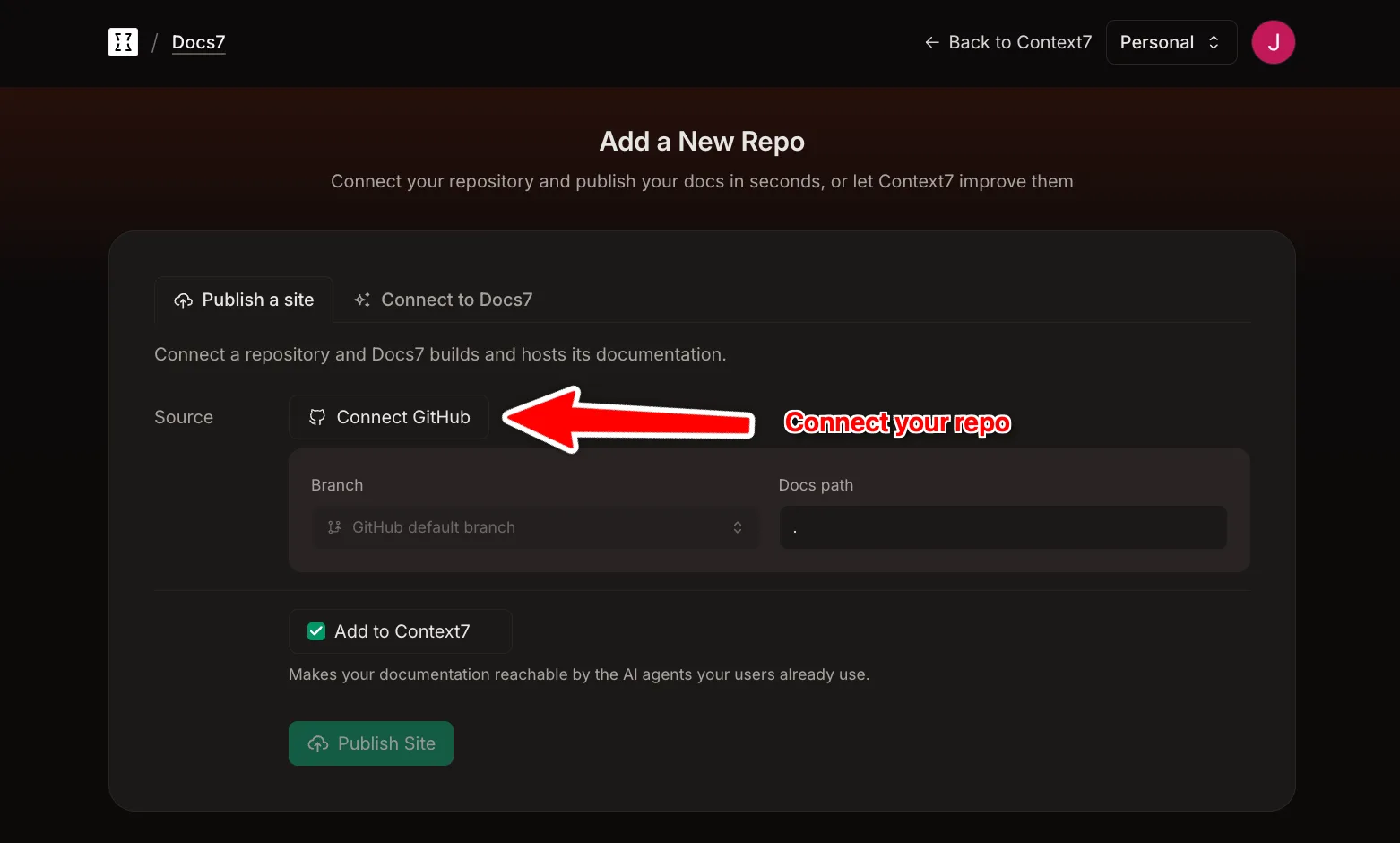
Your Mintlify deployment stays online until you move the domain.
3. Move the domain#
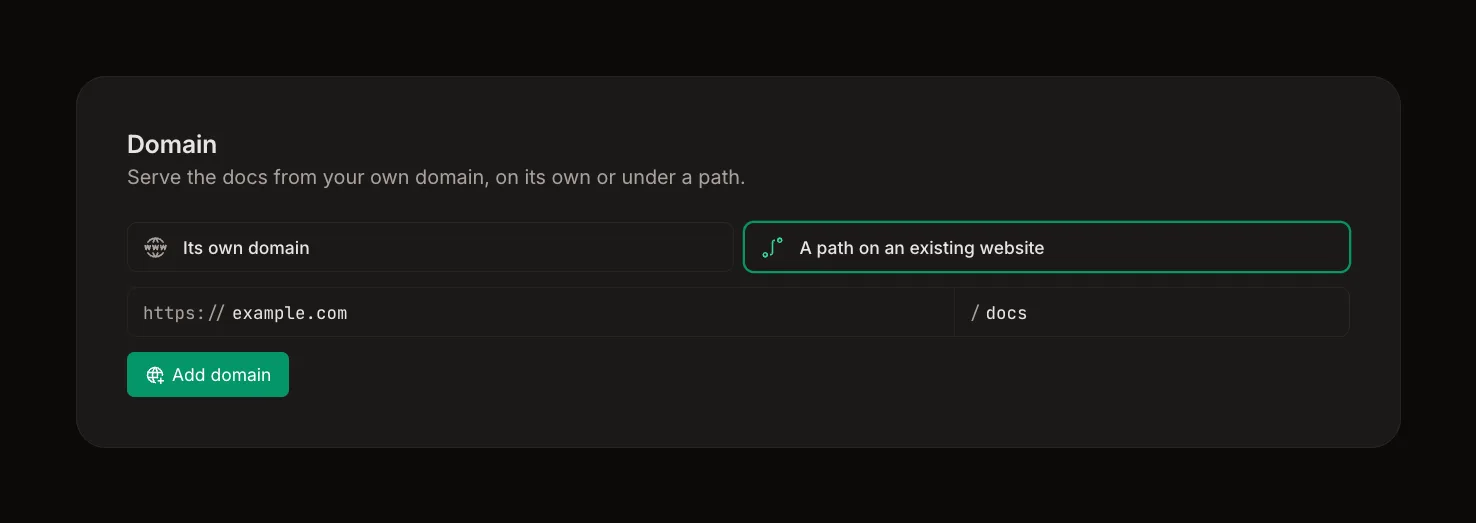
If you use a custom domain, add it to the Docs7 site. Docs7 shows the DNS records it needs. Add the TXT records, then change the CNAME to Docs7. Docs7 issues the HTTPS certificate a few minutes after the CNAME points at Docs7.
See Custom Domains for each record and for serving the docs from a path.
After the switch, remove the Mintlify GitHub integration so one push does not deploy to both services.