### Add Project Banner to README
Source: https://github.com/inkore-net/ui.wpf.modern/blob/main/docs/promotions.md
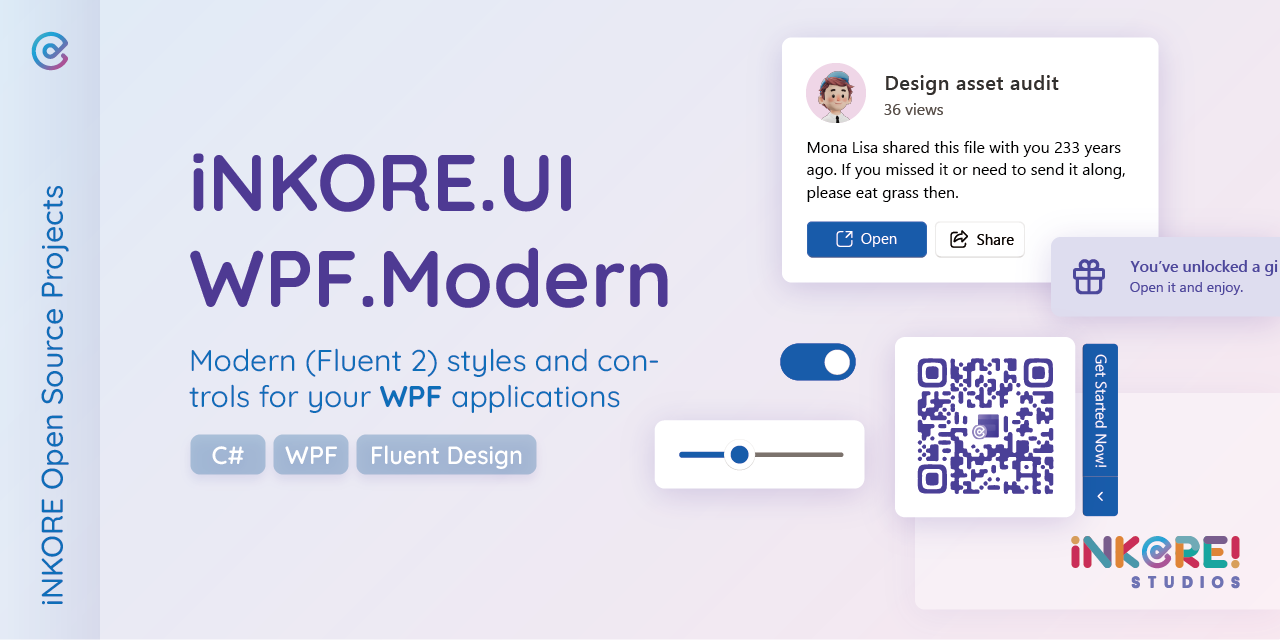
Use this markdown code to include the project banner in your README file. Adjust the URL to use a higher resolution banner if needed.
```markdown
 ```
--------------------------------
### Add Button Style Project Badge to README
Source: https://github.com/inkore-net/ui.wpf.modern/blob/main/docs/promotions.md
Include this markdown code in your README to display the project badge with a button-like appearance. This badge is SVG-based.
```markdown
```
--------------------------------
### Add Button Style Project Badge to README
Source: https://github.com/inkore-net/ui.wpf.modern/blob/main/docs/promotions.md
Include this markdown code in your README to display the project badge with a button-like appearance. This badge is SVG-based.
```markdown
 ```
--------------------------------
### Use ProjectBadge Control in Application
Source: https://github.com/inkore-net/ui.wpf.modern/blob/main/docs/promotions.md
Incorporate the ProjectBadge control into your WPF application for interactive and theme-aware badges. The button style is applied by default.
```xml
```
```xml
```
--------------------------------
### Add Shield Badge to README
Source: https://github.com/inkore-net/ui.wpf.modern/blob/main/docs/promotions.md
Use this markdown code to include the shield badge in your project's README file for external linking.
```markdown
```
--------------------------------
### Use ProjectBadge Control in Application
Source: https://github.com/inkore-net/ui.wpf.modern/blob/main/docs/promotions.md
Incorporate the ProjectBadge control into your WPF application for interactive and theme-aware badges. The button style is applied by default.
```xml
```
```xml
```
--------------------------------
### Add Shield Badge to README
Source: https://github.com/inkore-net/ui.wpf.modern/blob/main/docs/promotions.md
Use this markdown code to include the shield badge in your project's README file for external linking.
```markdown
 ```
--------------------------------
### Display Project Banner in Application
Source: https://github.com/inkore-net/ui.wpf.modern/blob/main/docs/promotions.md
Embed the project banner directly into your WPF application's XAML using the ThemeManager.BannerUri_1280w field. This banner is updated with the library.
```xml
```
--------------------------------
### Use Shield Badge Style in Application
Source: https://github.com/inkore-net/ui.wpf.modern/blob/main/docs/promotions.md
Apply the shield badge style within your application using XAML. An explicit style key is required for this.
```xml
```
=== COMPLETE CONTENT === This response contains all available snippets from this library. No additional content exists. Do not make further requests.
```
--------------------------------
### Display Project Banner in Application
Source: https://github.com/inkore-net/ui.wpf.modern/blob/main/docs/promotions.md
Embed the project banner directly into your WPF application's XAML using the ThemeManager.BannerUri_1280w field. This banner is updated with the library.
```xml
```
--------------------------------
### Use Shield Badge Style in Application
Source: https://github.com/inkore-net/ui.wpf.modern/blob/main/docs/promotions.md
Apply the shield badge style within your application using XAML. An explicit style key is required for this.
```xml
```
=== COMPLETE CONTENT === This response contains all available snippets from this library. No additional content exists. Do not make further requests.